

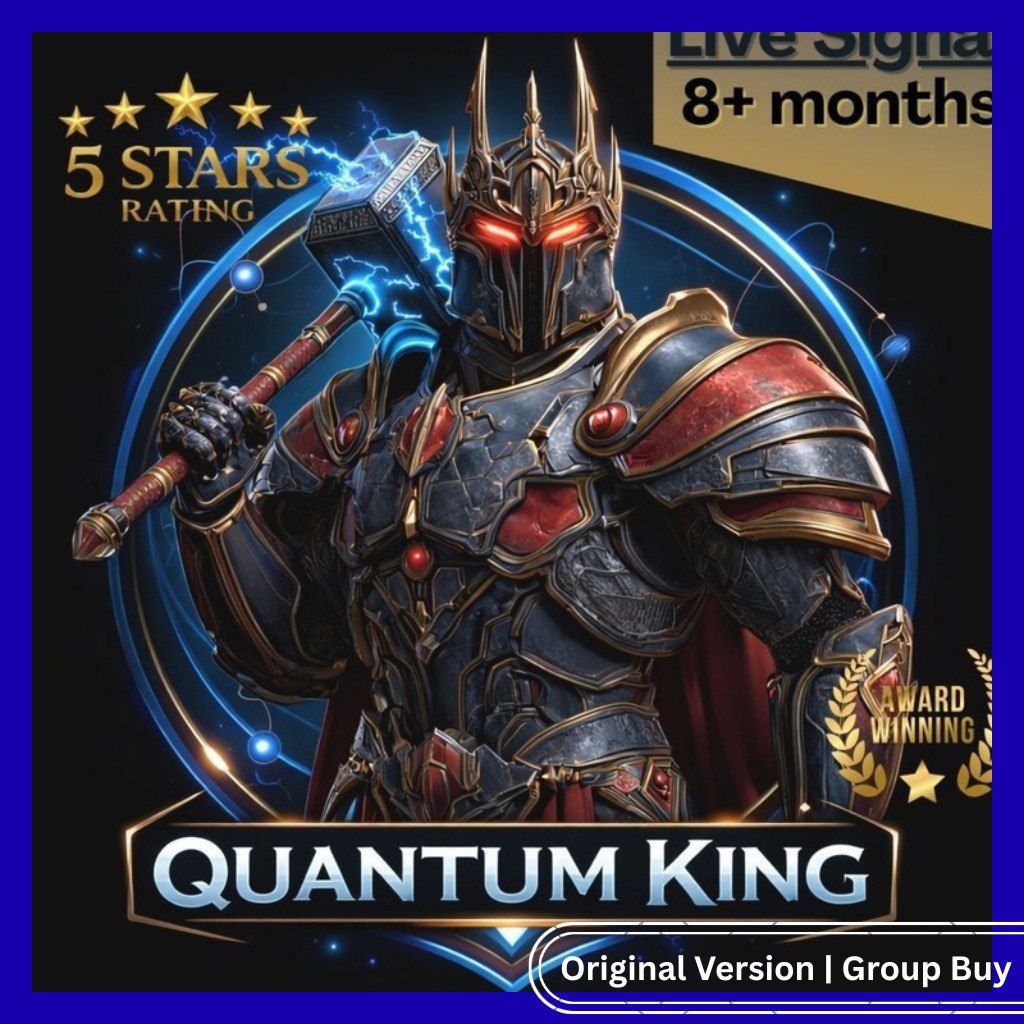

Quantum Queen MT5 EA is an advanced forex trading robot for MetaTrader 5 (MT5) designed for automated trading with low drawdown and consistent performance. It helps traders execute trades automatically using pre-built strategies and risk management systems.
- Fully automated forex trading EA for MT5
- MyFXBook verified trading performance results
- Low drawdown with built-in risk management
- Works on multiple currency pairs
- Easy setup for auto trading beginners & pros
- Optimized for stable and consistent profits
- No manual trading required
Mentor / Creator:
Quantum Queen EA Developers (Forex Algorithmic Trading Team)
👉 https://www.myfxbook.com
Product:
Quantum Queen MT5 Expert Advisor (Forex Trading Robot)
👉 https://www.mql5.com
Price:
Approx $100 – $500 (₹8,000 – ₹40,000) based on similar MT5 EAs in the market
Language: English
Format:
MT5 Expert Advisor file (.ex5), requires MetaTrader 5 platform for automated trading
Comparison:
Most premium forex trading robots are sold at higher prices with limited licenses, while this version provides similar automated trading features at a more affordable price, making it suitable for traders looking for passive income through forex automation 🔥
Quantum Queen MT5 Installation Guide
1. Download the Quantum Queen MT5 file.
2. Open your MetaTrader 5 platform.
3. Click File → Open Data Folder.
4. Open the MQL5 folder.
5. Copy the EA file into the Experts folder.
6. Restart MetaTrader 5 or refresh the Navigator panel.
7. Open a XAUUSD / GOLD chart.
8. Drag Quantum Queen MT5 onto the chart.
9. Enable Algo Trading on your platform.
10. Review the inputs and choose your preferred risk settings.
11. Confirm the setup and let the EA begin monitoring the market.
For best results, many traders run gold EAs on a stable VPS and use a broker with clean execution and reasonable spreads.


Reviews
There are no reviews yet.